> For the complete documentation index, see [llms.txt](https://docs.xplorpay.com/llms.txt). Markdown versions of documentation pages are available by appending `.md` to page URLs; this page is available as [Markdown](https://docs.xplorpay.com/getting-started/devices/pax.md).
# PAX
PAX technology provides a range of advanced payment terminals designed to meet diverse business needs. Below is an overview of three notable PAX models of A Series: the A35, A80, and A920Pro.
## PAX A Series
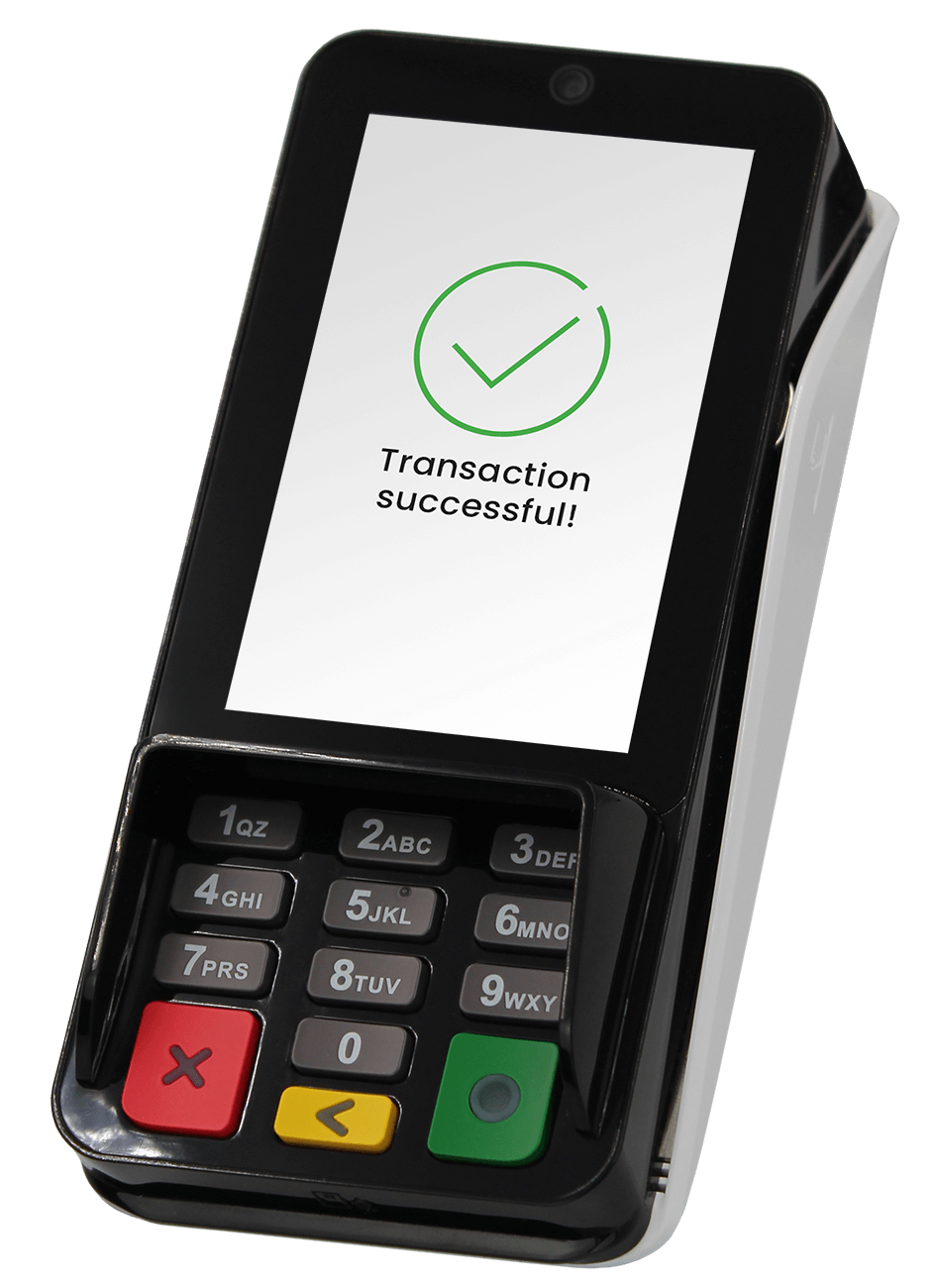
### **PAX A35**
The PAX A35 is a high-performance, smart device tailored for various retail scenarios. Its ergonomic design and advanced features make it suitable for high-volume, fast-paced environments.
Features
Integration Type
Communication Options
Smart Android PIN Pad Designed for Multilane Implementations Accepts Contactless, Chip, Magstripe
Power Over Ethernet (POE)
Utilizes Quest™ PCI-Validated P2PE for secure transactions
Cloud EMV
Semi-integration to Quest™ Gateway API
Ethernet
WiFi
**Additional Resources**:
* [PAX A Series Quick Reference Guide for Integrated Devices (PAX A80, PAX A920, & PAX A35)](https://support.clearent.com/knowledge-base/pax-a-series-integrated-qrg/)
* [Essential Technical Specification](https://www.pax.us/products/pin-pads/a35/)
***
### **PAX A80**
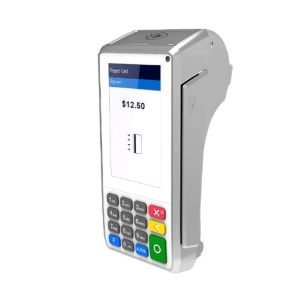
The PAX A80 is a reliable countertop device that can also function as an indoor portable terminal. Its robust design and comprehensive features make it a reliable choice for businesses seeking efficiency and security.
Utilizes Quest™ PCI-Validated P2PE for secure transactions
Compatible with Cloud EMV
Ethernet
Wi-Fi
**Additional Resources**:
* [PAX A Series Quick Reference Guide for Integrated Devices (PAX A80, PAX A920, & PAX A35)](https://support.clearent.com/knowledge-base/pax-a-series-integrated-qrg/)
* [PAX A Series Quick Reference Guide (PAX A920 & PAX A80)](https://support.clearent.com/knowledge-base/pax-a-series-quick-reference-guide/)
* [SwipeSimple PAX A80 Activation Guide](https://support.clearent.com/knowledge-base/swipesimple-pax-a80-activation-guide/)
* [Essential Technical Specification](https://www.pax.us/products/countertop/a80/)
***
### PAX A920Pro
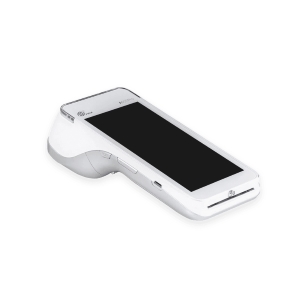
The PAX A920Pro is a mobile touchscreen Android terminal that combines the features of an Android tablet with a powerful payment terminal. Its sleek and compact design makes it ideal for dynamic retail or hospitality environments.
Features
Integration Type
Communication Options
Smart and Wireless Android Terminal Accepts Contactless, Chip, Magstripe
Large HD screen
Utilizes Quest™ PCI-Validated P2PE for secure transactions
Compatible with Cloud EMV
WiFi
Wireless
GPRS
Bluetooth
**Additional Resources**:
* [PAX A Series Quick Reference Guide for Integrated Devices (PAX A80, PAX A920, & PAX A35)](https://support.clearent.com/knowledge-base/pax-a-series-integrated-qrg/)
* [PAX A Series Quick Reference Guide (PAX A920 & PAX A80)](https://support.clearent.com/knowledge-base/pax-a-series-quick-reference-guide/)
* [SwipeSimple PAX A920 Activation Guide](https://support.clearent.com/knowledge-base/swipesimple-a920/)
* [Essential Technical Specification](https://www.pax.us/products/mobile/a920-pro/)
---
# Agent Instructions
This documentation is published with GitBook. GitBook is the documentation platform designed so that both humans and AI agents can read, navigate, and reason over technical content effectively. Learn more at gitbook.com.
## Querying This Documentation
If you need additional information that is not directly available in this page, you can query the documentation dynamically by asking a question.
Perform an HTTP GET request on the current page URL with the `ask` query parameter, and the optional `goal` query parameter:
```
GET https://docs.xplorpay.com/getting-started/devices/pax.md?ask=&goal=
```
`ask` is the immediate question: it should be specific, self-contained, and written in natural language.
`goal` is optional and describes the broader end goal you are ultimately trying to accomplish on behalf of the user. GitBook uses it to tailor the answer towards what is most useful for that goal.
The response will contain a direct answer to the question and relevant excerpts and sources from the documentation.
Use this mechanism when the answer is not explicitly present in the current page, you need clarification or additional context, or you want to retrieve related documentation sections.