

Submit application
Hosted Merchant Onboarding (HMO) uses an Application Access PIN to protect in-progress applications and sensitive merchant data. This 4-digit PIN allows merchants to securely resume and complete an application if the session is interrupted or abandoned.
To complete the merchant onboarding application:
Set application acceptance PIN
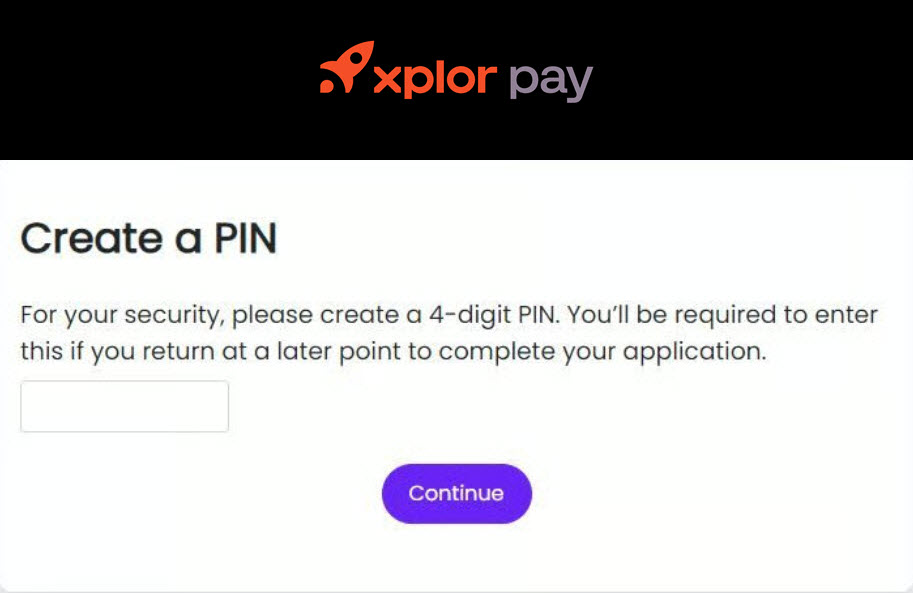
To protect sensitive application data, merchants are required to create a 4-digit security PIN when starting their application. This PIN helps prevent unauthorized access to the in-progress application.
When a merchant starts the onboarding application, the system prompts them to create a 4-digit Application Access PIN.
The PIN secures the sensitive in-progress application data.
The merchant must use the same PIN to resume the application if the session ends.
After entering the PIN, the merchant selects Continue to proceed.
Resume an incomplete onboarding application
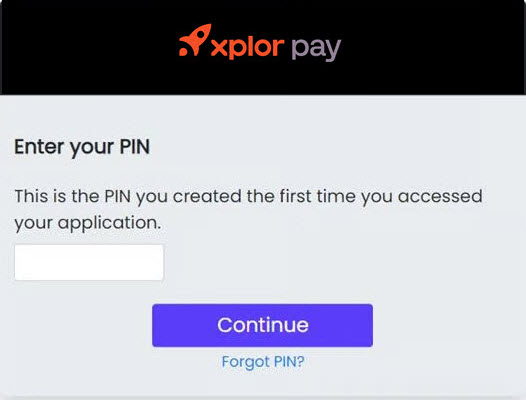
To continue an incomplete application, enter the previously created 4-digit PIN. This unlocks the saved progress and resumes the application where it was left off.
To continue an application that was not submitted, the merchant enters the previously created 4-digit PIN.
The system unlocks the saved application.
The merchant resumes the application from the last completed step.
Reset a forgotten or invalid PIN
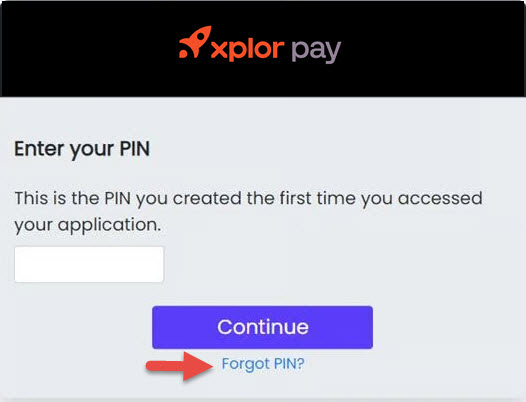
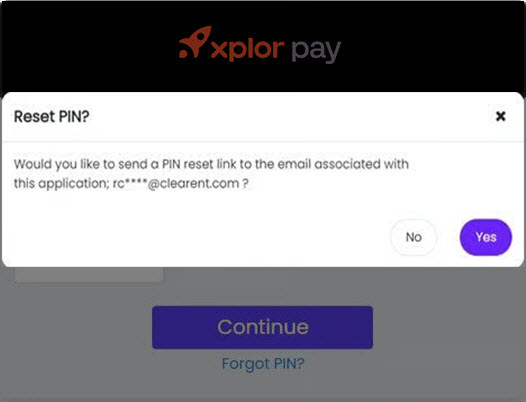
Click Forgot PIN? if the merchant forgets the PIN or enters an invalid PIN. A PIN reset link is sent to the provided email address in the emailAddress field of the merchantInformation object during merchant creation.
Click the reset link to invalidate the existing PIN. You can create a new access PIN and resume the hosted merchant onboarding application from where it was left off.
Validating and submitting the application
Before submission, the system automatically validates the application to confirm all required information is complete and formatted correctly. Validation checks include the required fields completion, email and phone number format validation, and data consistency across application sections.
Once all sections pass validation, the merchant proceeds to Review & Sign to finalize the application.
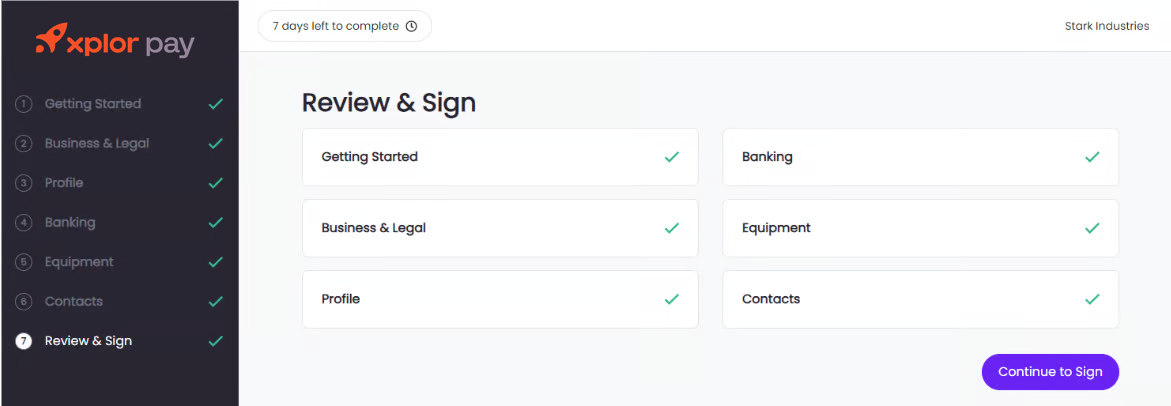
These measures ensure data accuracy, maintain compliance, and provide a secure, seamless onboarding experience.
Signing the merchant agreement
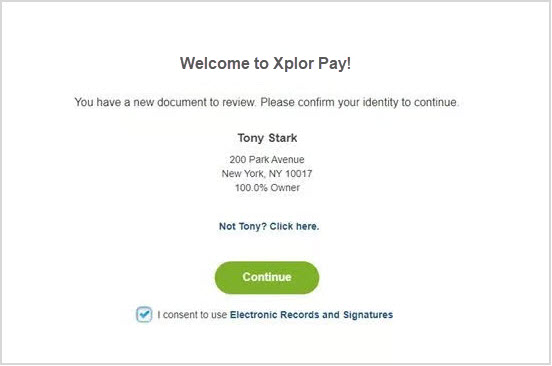
To complete onboarding, designated signer provides Electronic Records and Signature Consent. This consent authorizes the use of electronic documents and digital signatures. The signer reviews and signs all required documents online. This process eliminates the need for printing, scanning, or mailing paperwork.
During the application process, the system displays the Electronic Records and Signature Consent form. The signer reviews the document and electronically signs to confirm acceptance and continue. This action confirms your acceptance and allows the onboarding process to continue without delay.
Finalizing the application terms
After all required documents are signed, the Hosted Merchant Onboarding completes the application using guided, electronic workflows. The platform can automatically redirect the user to a configured URL, such as to confirmation page, a resource hub, or a custom destination to streamline the overall onboarding experience.
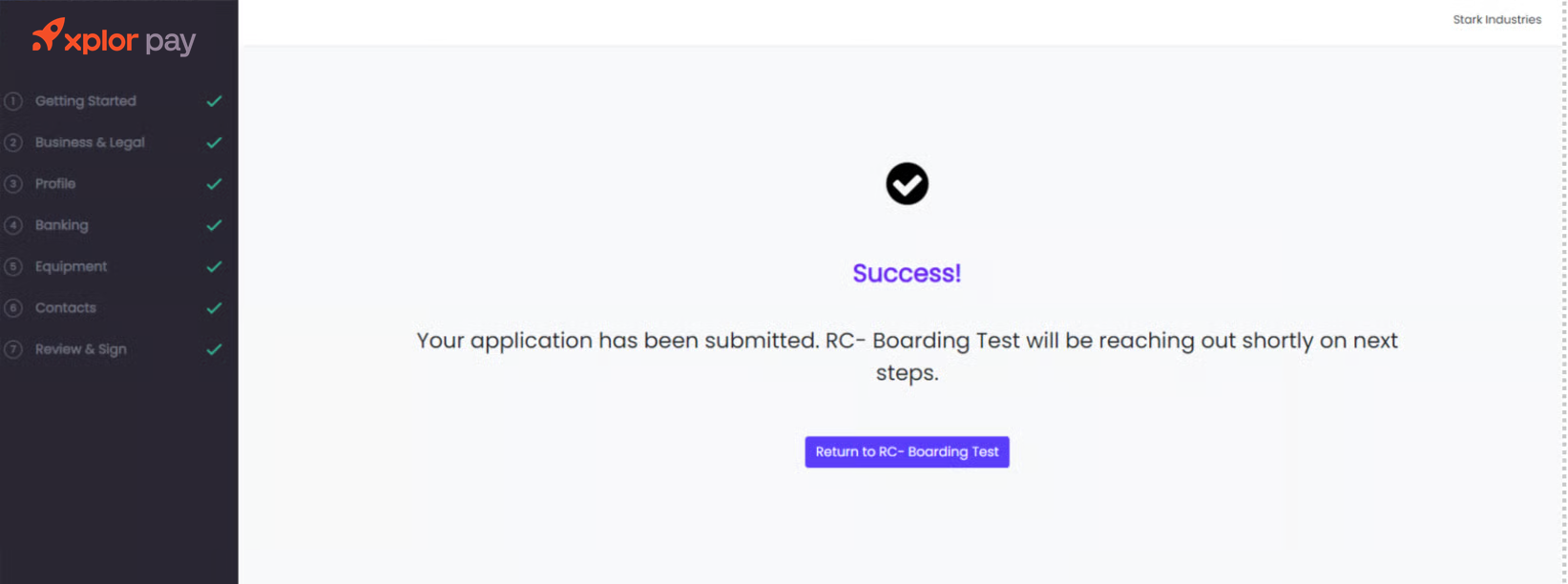
This redirect behavior is configurable within the Hosted Merchant Onboarding internal administration settings.
Last updated
Was this helpful?