Formatting the Payment Form

JavaScript SDK payment frame allows you to format the content using the style attributes when you call the ClearentSDK.init() method.

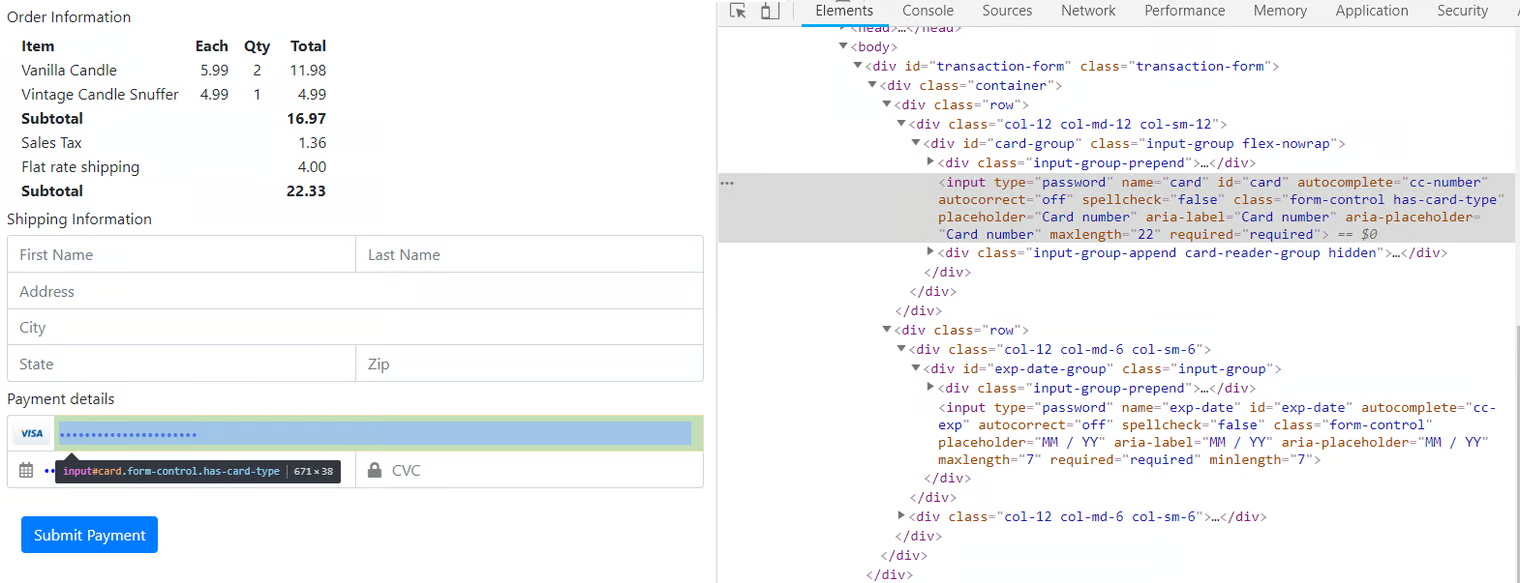
The following code sample generates a form where the input fields display blue text by default, and the text changes to purple when the field is selected for input:

Example: Payment form

Example code:

Example: Browser's developer toolbar

The following error will be displayed when you set an external resource or data/blob content in the style attributes during formatting the content.

Example: Error from the browser's developer toolbar

Last updated

Was this helpful?